

Stay on track with your treatment — from home
If you’re in braces, clear aligners, or retention, you can send quick scans through the Grin App so our team can review your progress between visits.
Remote monitoring complements in-clinic care. If you have pain, swelling, trauma, or an urgent issue, please contact us right away.
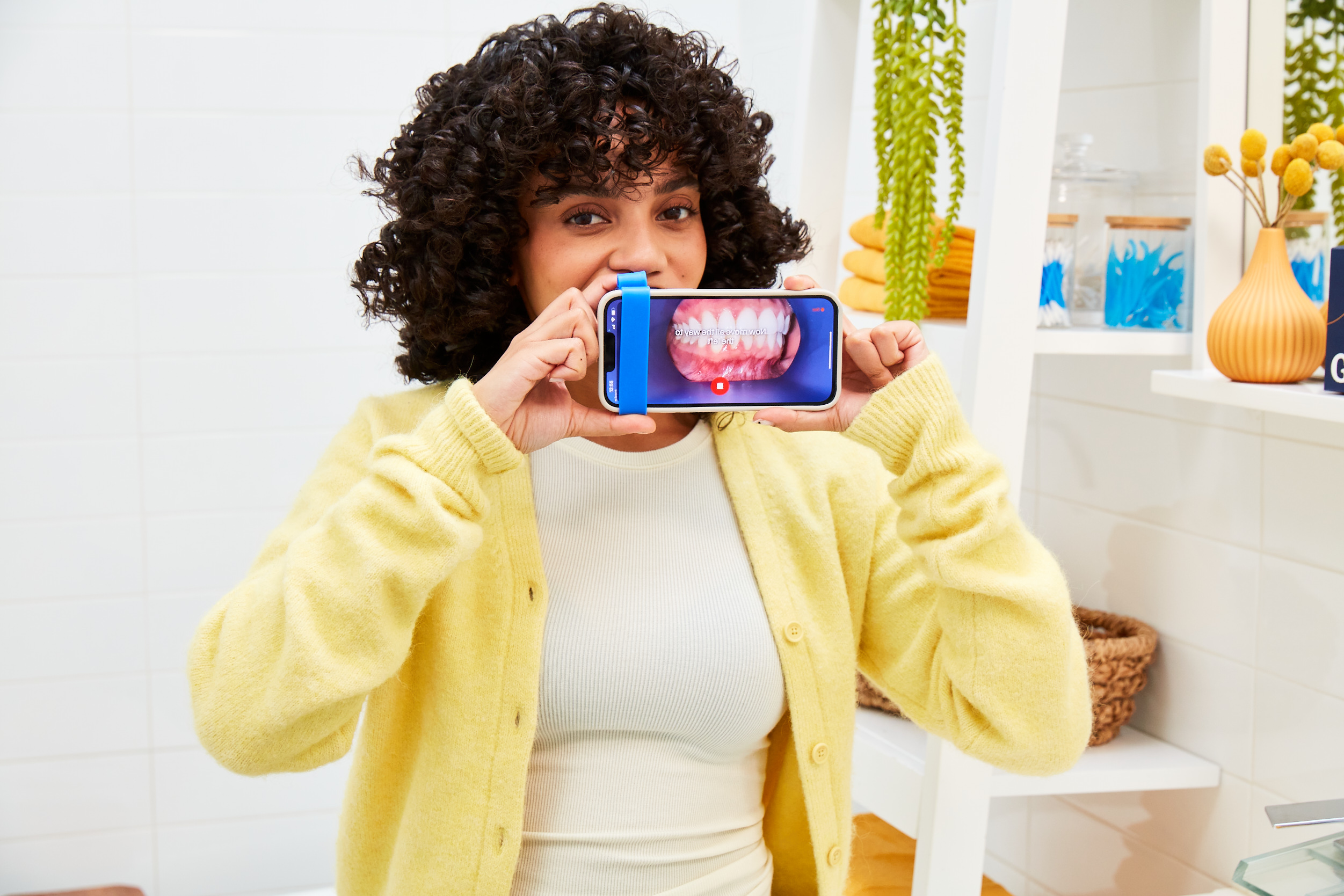
Three simple steps
GRIN makes it easy to check in from home, so we can keep your treatment moving in the right direction.
Get set up
We’ll help you get started with the Grin App and the Grin Scope®, so you feel confident scanning at home.
Scan in ~60 seconds
Take a quick scan from your phone and submit it through the app—no need to travel in just for a check-in.
We review & guide
Our team reviews your scans between appointments and will reach out if you need advice or an in-clinic visit.
Convenience without compromising care
Save time
Fewer unnecessary monitoring visits—more flexibility in your week.
Stay on track
Regular check-ins help keep your treatment progressing as planned.
Act early
If something needs attention, we can guide you sooner rather than later.

A smooth, guided experience
We’ll show you exactly what to do, and we’re here to help if you ever get stuck.

What you’ll need
- A smartphone with a camera
- The Grin Scope® (we’ll arrange this with you)
- The Grin App installed on your phone
What happens next
You’ll scan on your schedule, submit your scan, and we’ll review it as part of your treatment monitoring. If anything needs an in-person visit, we’ll let you know.
What remote monitoring looks like
Watch a short overview of GRIN remote monitoring and how it supports your orthodontic journey.
Note: Availability and workflow may vary based on your treatment plan.
Frequently asked questions
Here are the most common questions patients ask about GRIN remote monitoring.
Who is GRIN remote monitoring for?
GRIN remote monitoring can be used for orthodontic patients in braces, clear aligners, or retention (retainers). Your dentist will let you know if it’s suitable for your treatment plan.
How long does a scan take?
Most scans take about 60 seconds. You’ll use the Grin Scope® and the Grin App on your smartphone to capture a quick video of your teeth and submit it securely.
How often will I need to scan?
Scan frequency depends on your treatment. Many patients scan weekly or fortnightly, but we’ll set the right schedule for you.
Will this replace in-clinic visits?
No. Remote monitoring helps us check progress between appointments and may reduce some unnecessary in-person check-ins. You’ll still need in-clinic visits when your treatment plan requires it.
What happens if something looks off?
If we notice anything that needs attention, we’ll contact you and guide you on the next step—this may include booking an in-person visit.
Is GRIN for emergencies?
No. If you have pain, swelling, trauma, or an urgent concern, please contact Elite Dental Care immediately rather than waiting for a scan review.
Ready to make your check-ins easier?
Book an appointment and ask our team about adding GRIN remote monitoring to your orthodontic treatment.